
You can save specific search criteria for the Gantt Chart. Here are the steps to save your search conditions:
-
Open the [Gantt Chart].
-
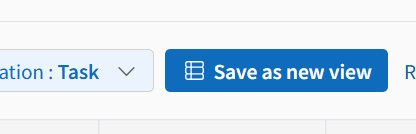
Set your filters, sorting, column order, and search criteria, then click [Save as new view].
-
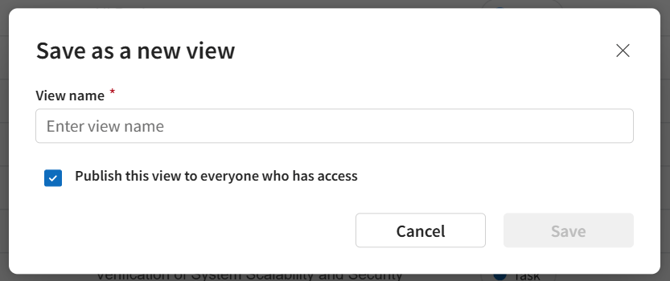
Enter view name and click [Save].
Items Saved per View
-
Search keywords
-
Filter criteria
- Data Ordering (Chronological / Manual)
- Column order
- Hidden column settings
Items Saved per User
-
Column widths
-
Divider position (between WBS table and chart)
-
Time scale (Day/Week/Month/Year)
-
Zoom level
-
Horizontal scroll position
-
Vertical scroll position
-
Task expansion/collapse state
-
Progress line (Lightning line) ON/OFF
-
Parent task enclosure ON/OFF