
-
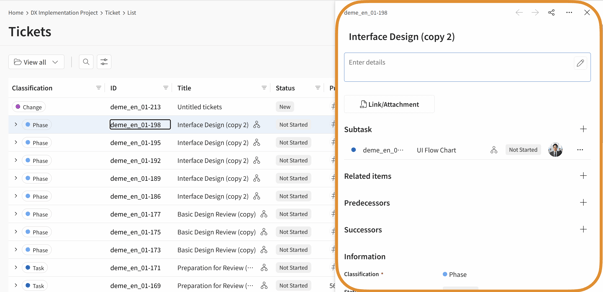
Edit in the right side panel.
-
Edit from the Ticket Details screen.
-
Edit the status from the Board screen.
Edit in the right side panel
- Open the List screen and click the ticket you want to edit.
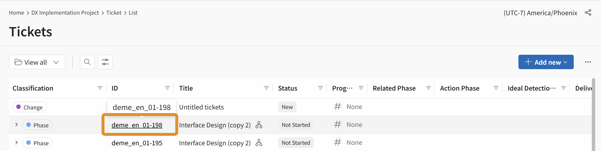
- Update any fields you want to edit in the right side panel.
Editing from the Ticket Details Screen
-
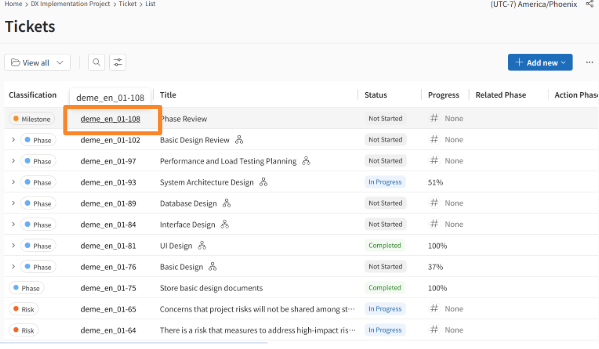
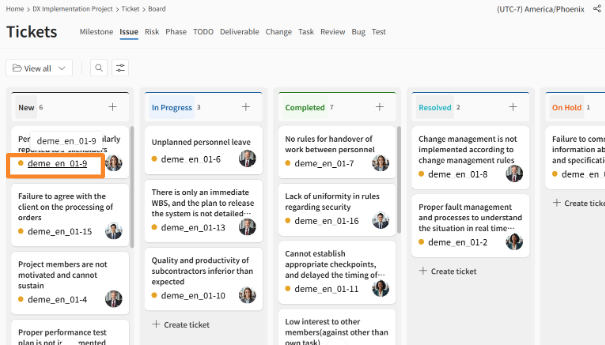
Open the List screen or Board screen and click the ticket you want to edit.
-
Update the desired fields on the details screen that appears.
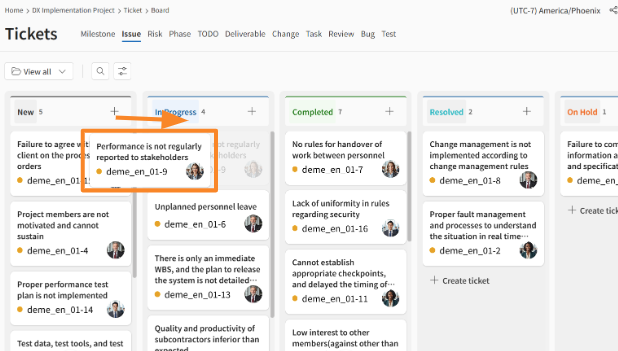
Editing Status from the Board Screen
-
Open the Board screen.
-
Drag and drop the ticket whose status you want to edit to the desired status column.
Restrictions on Editing Ticket Categories
There are some restrictions when editing ticket categories:
-
You cannot change tickets categorized as "Phase," "Milestone," "Deliverable," or "Task" to other ticket categories.
-
Similarly, you cannot change other ticket categories to "Phase," "Milestone," "Deliverable," or "Task."
Examples:
-
You cannot change a "Phase" ticket to an "Issue" ticket.
-
You cannot change a "Bug" ticket to a "Task" ticket.
Ticket Management Permissions
Permissions for adding, viewing, editing, and deleting tickets are controlled by your permission role. If you are unable to perform an intended operation, please contact a user with an Innovator license and request a change to your permissions.
About the Automatic Calculation Feature
The automatic ticket update feature aims to reduce the burden of daily data entry in ticket management, prevent omissions of important data like actual dates and progress rates, and improve the consistency of project progress.
The following three types of automation are executed, triggered by specific ticket operations (such as status updates or progress rate changes):
-
Automatic Updates to Other Items following a ticket status update (e.g., actual dates, progress rate).
-
Automatic Status Updates for Parent/Child Tickets following a child ticket's status update.
-
Automatic Progress Rate Calculation in a parent-child task structure.
Automatic calculation is not performed when tickets are imported via CSV.
When tickets are imported via CSV, only the automatic progress rate calculation within the parent-child task structure is performed.
The following automatic updates are NOT performed:
-
Automatic updates to other items following a ticket status update (e.g., actual dates, progress rate).
-
Automatic status updates for parent/child tickets.
Automatic Progress Rate Calculation
When the status of a child ticket is updated, the status of the associated parent ticket is also automatically synchronized.
When you update a child task's progress rate (e.g., 25%, 50%), the parent ticket's progress rate is automatically calculated based on the cumulative total of its children and then updated.