
Only users with Innovator or Leader licenses can customize ticket categories and input fields.
-
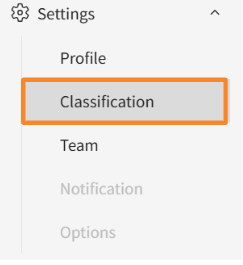
Click [Settings] > [Clasification] in the side menu.
-
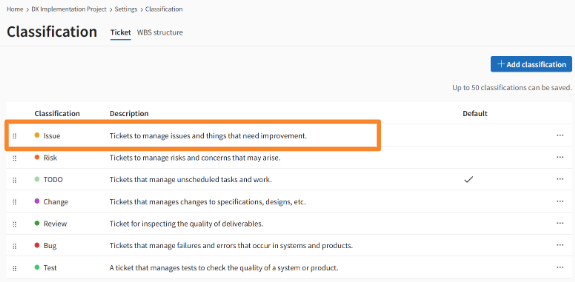
Select the clasification for which you want to customize statuses.
-
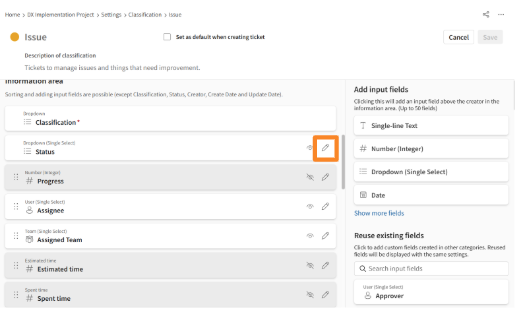
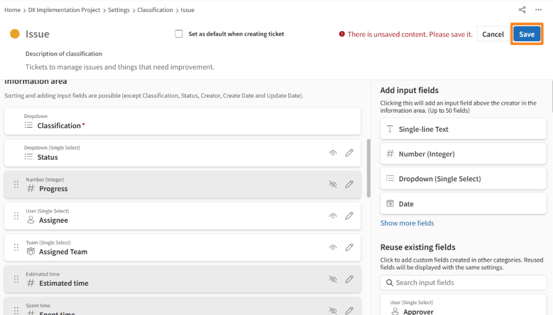
Click the "pencil" icon to the right of "Status" in the information area.
-
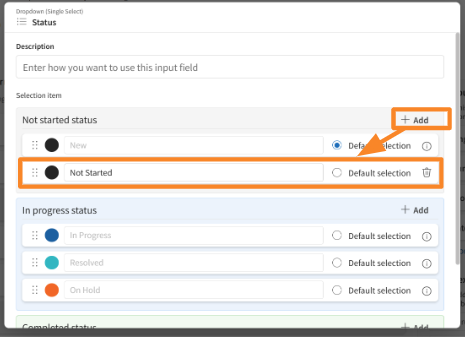
Create new statuses by clicking [Add], then enter a status name.
-
Review your edits and click [Reflect].
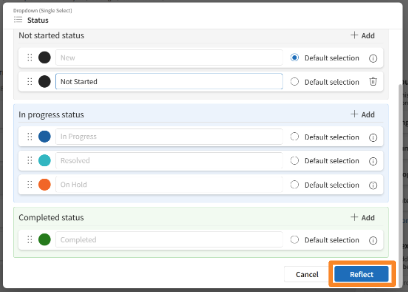
- Click [Save].
-
Confirm that your changes are reflected in the Ticket Details screen, etc.
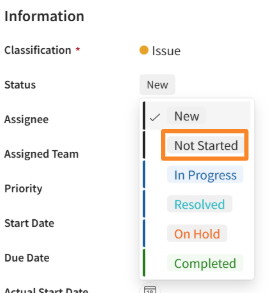
- You can configure up to 100 statuses in each status category: Not Started, In Progress, and Completed.