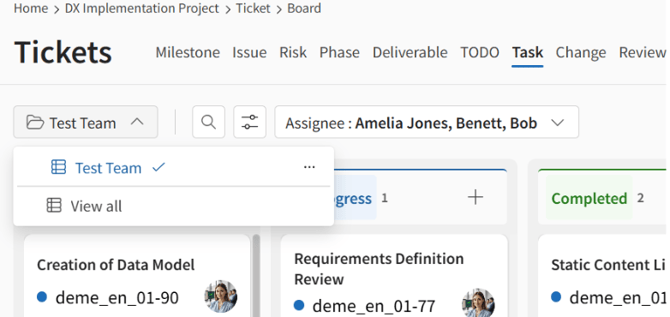
Saving Search Criteria
To save search criteria:
-
Access List or Board from the side menu.
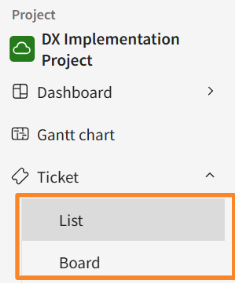
-
Click [
 ] [
] [ ] at the top of the screen.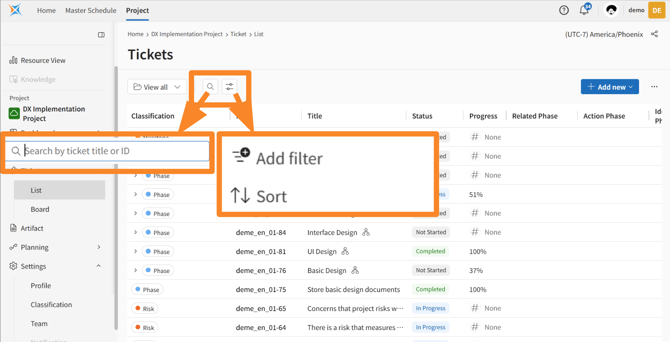
-
Set the appropriate search criteria by clicking [Add filter] and [Sort].
-
Click [Save as new view].
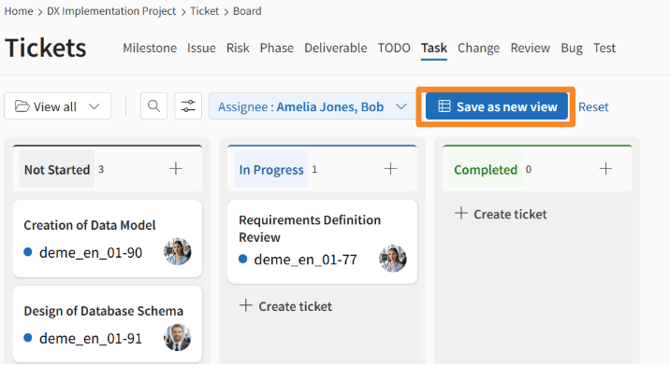
-
Enter a name for the view and click Save.
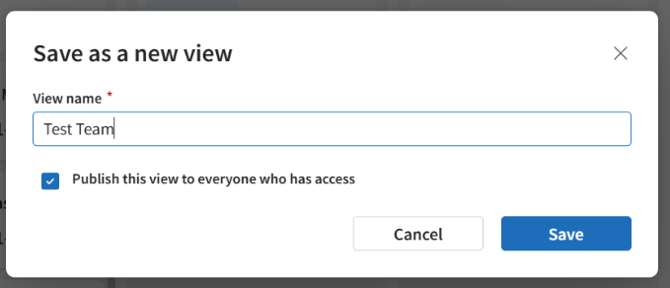
In the [List] view, the column order is also saved.
If you check "Publish this view to evryone who has access," all users who can access this project will be able to use these search criteria.
Using Saved Search Criteria
To use saved search criteria:
-
Access List or Board from the side menu.
-
Click [
 ] and then select the appropriate view from the pull-down menu.
 -
Confirm that the search results are reflected in the list.