
How to Group Tickets
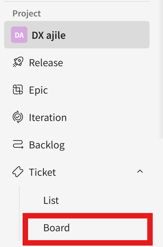
- Go to [Tickets] > [Board] in the side menu.
- Click [
 ] > [Group] at the top of the screen.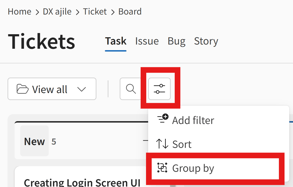
- Set your desired filter conditions.
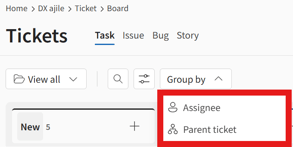
You can click [Save as new view] to save your applied filter conditions.
Grouping Examples
When grouped by “Assignee” 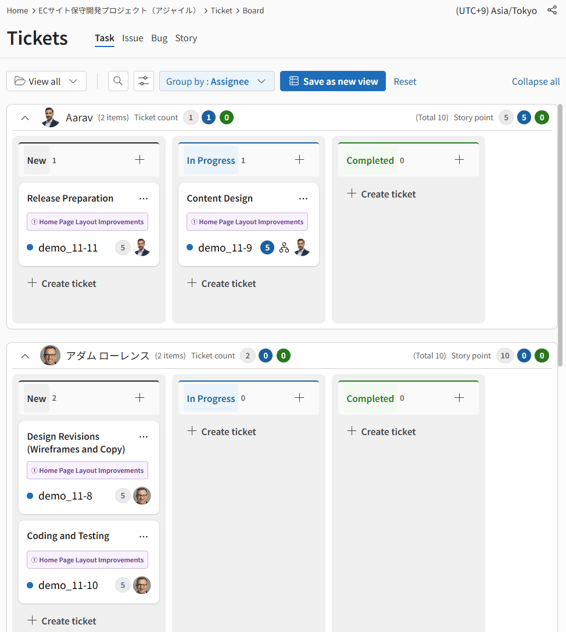
When grouped by “Parent ticket” 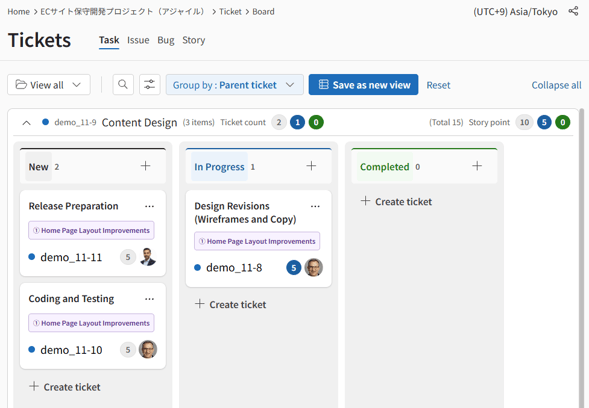
Each group header displays the total number of tickets and story points for each status.
