Editing Group Information
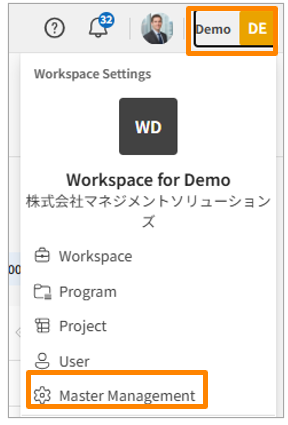
- Click your workspace name in the top-right corner of the screen, then click [Master Manegement]. Alternatively, from the sidebar menu in the Workspace Settings screen, click [Master Manegement].
-
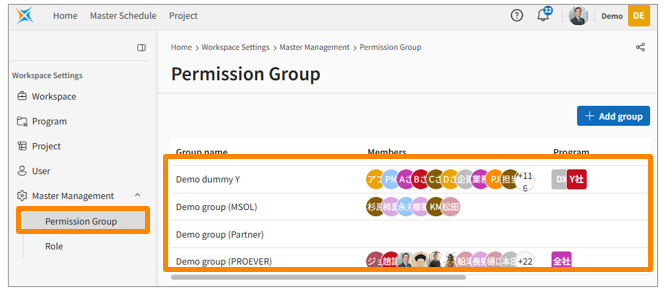
Click [Permission Group].
-
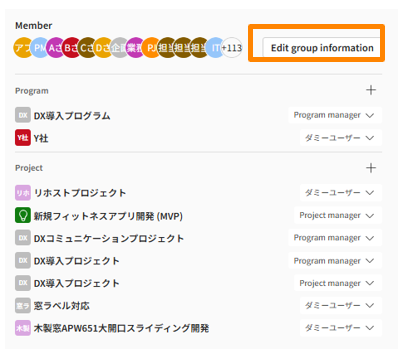
Click the three-dot menu to the right of the permission group you want to edit, then select [Edit Group]. Alternatively, you can click the group name and then click [Edit group information].
-
Update the content in the fields you want to change.
Granting Permissions to Programs/Projects
- Click your workspace name in the top-right corner of the screen, then click [Master Manegement]. Alternatively, from the sidebar menu in the Workspace Settings screen, click [Master Manegement].
-
Click [Permission Group].
-
Click the group name.
-
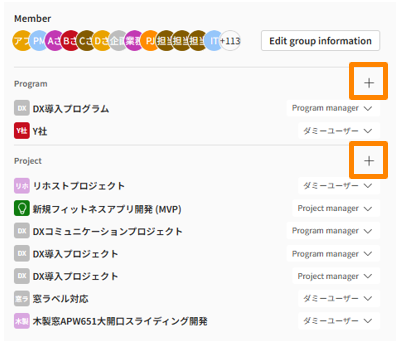
Click the [+] icon next to "Program" or "Project" and configure the resources and roles you want to grant access to.