You can export multiple tickets at once using a CSV file.
Currently, only WBS classifications are supported for CSV export. We plan to develop support for other ticket classifications in the future.
How to Export
-
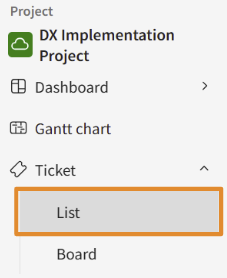
In the sidebar menu, click [Tickets] > [List].
-
Click the three-dot menu (
 ) icon next to [New Registration] in the top-right corner, and select [CSV Export].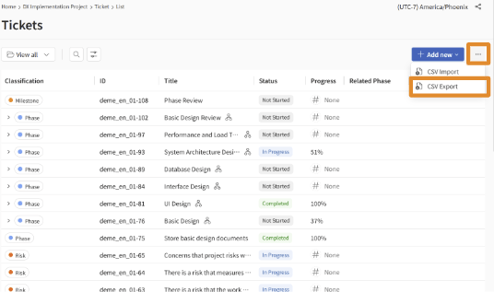
-
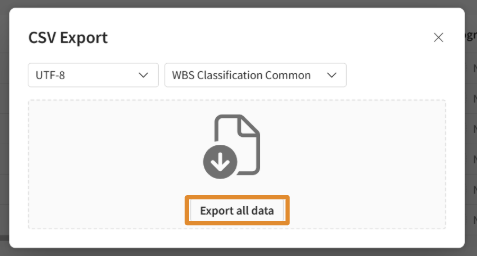
In the [CSV Export] modal that appears, click the [Export All] button.