
Add a Release
-
In the sidebar menu, click [Releases].
-
Click [Add].
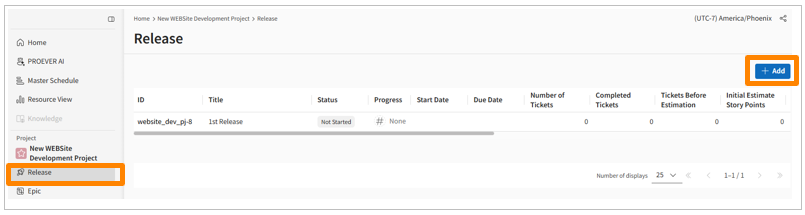
-
Fill in the input fields on the ticket details screen that appears.
Edit a Release
-
In the sidebar menu, click [Releases].
-
Click the release you want to edit.
-
Update the fields on the details screen that appears.